UI and Python round trip
Build visually, edit generated Python, and inspect typed artifacts without translating between pipeline formats.

OpenHCS is designed for high-content studies spanning many wells, sites,
channels, Z planes, or time points. It keeps source selection, processing
steps, and result definitions in one validated pipeline across the desktop
GUI, Python, supported CellProfiler .cppipe imports, and local
agents.
Real OpenHCS sessions showing pipeline editing, execution, images, and results. Pointer-free clips are driven through the local MCP; open any still or poster at full resolution.
Review the uncut agent evidence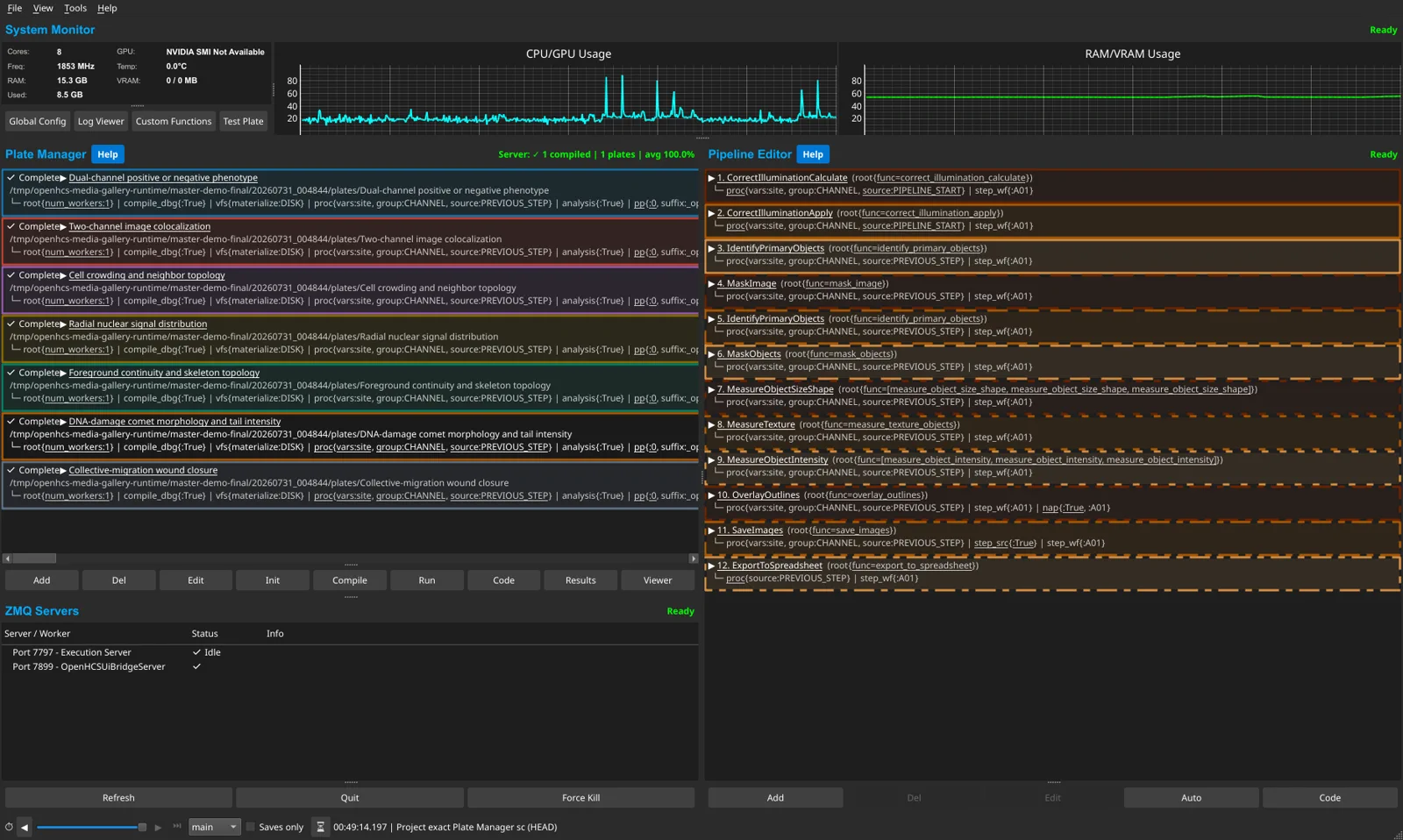
Five deterministic examples and two imported CellProfiler workflows retain independent state in one session.
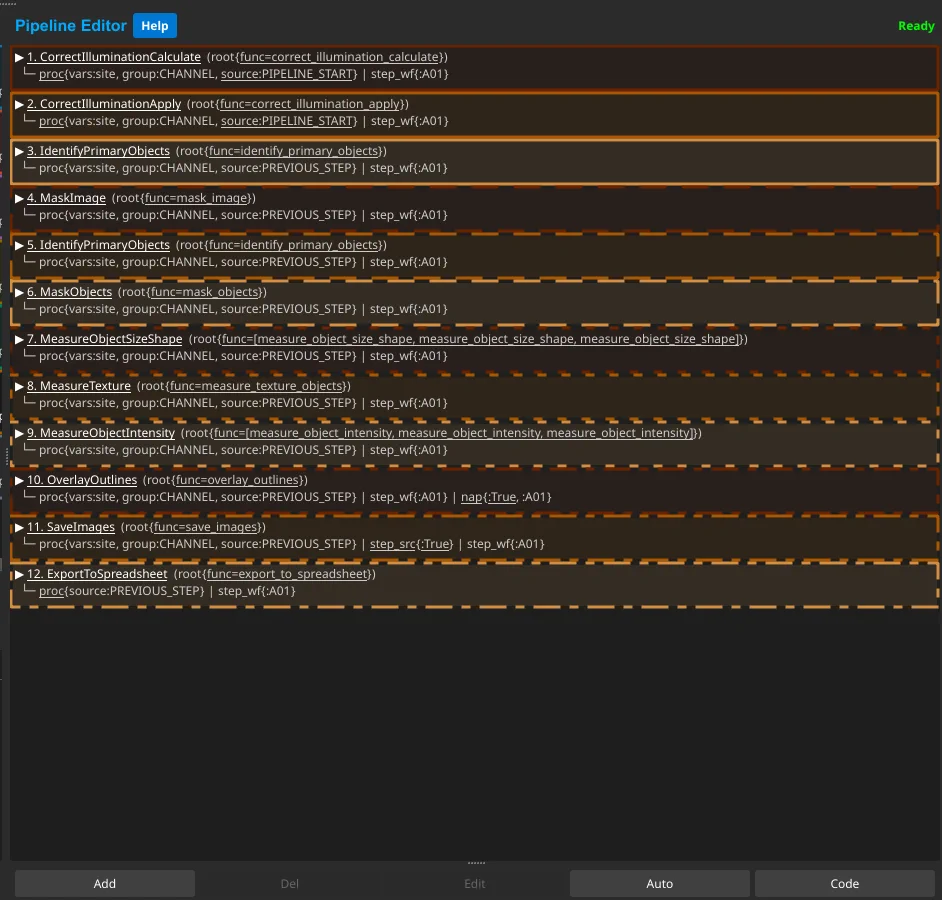
The 12-step Comet Assay uses OpenHCS compilation, configuration, viewers, and results.
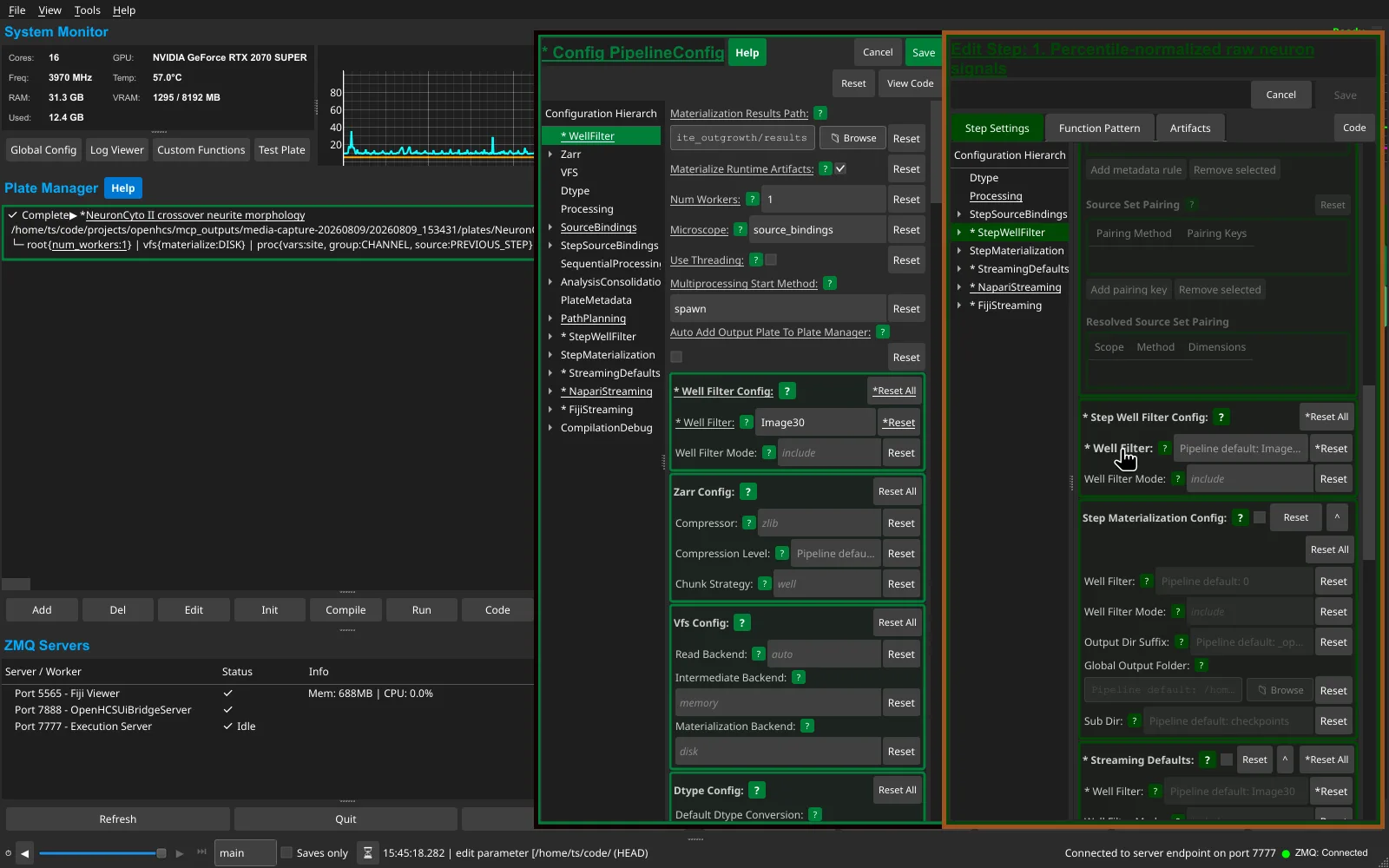
Well Filter changes to Image30 in PipelineConfig, then the inherited step field flashes as the update arrives. Clicking that step label flashes the owning PipelineConfig field, making the provenance link explicit in both directions.
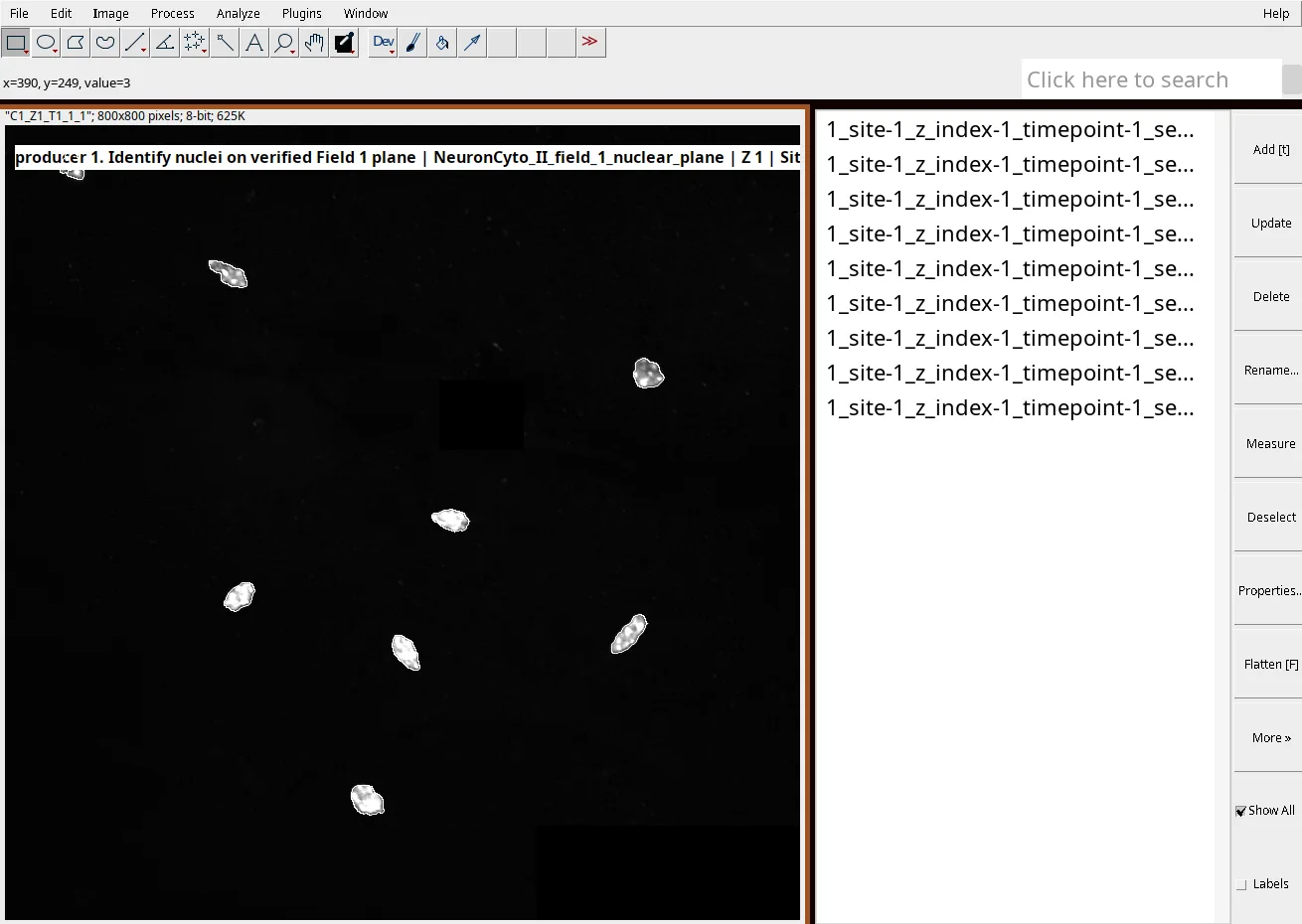
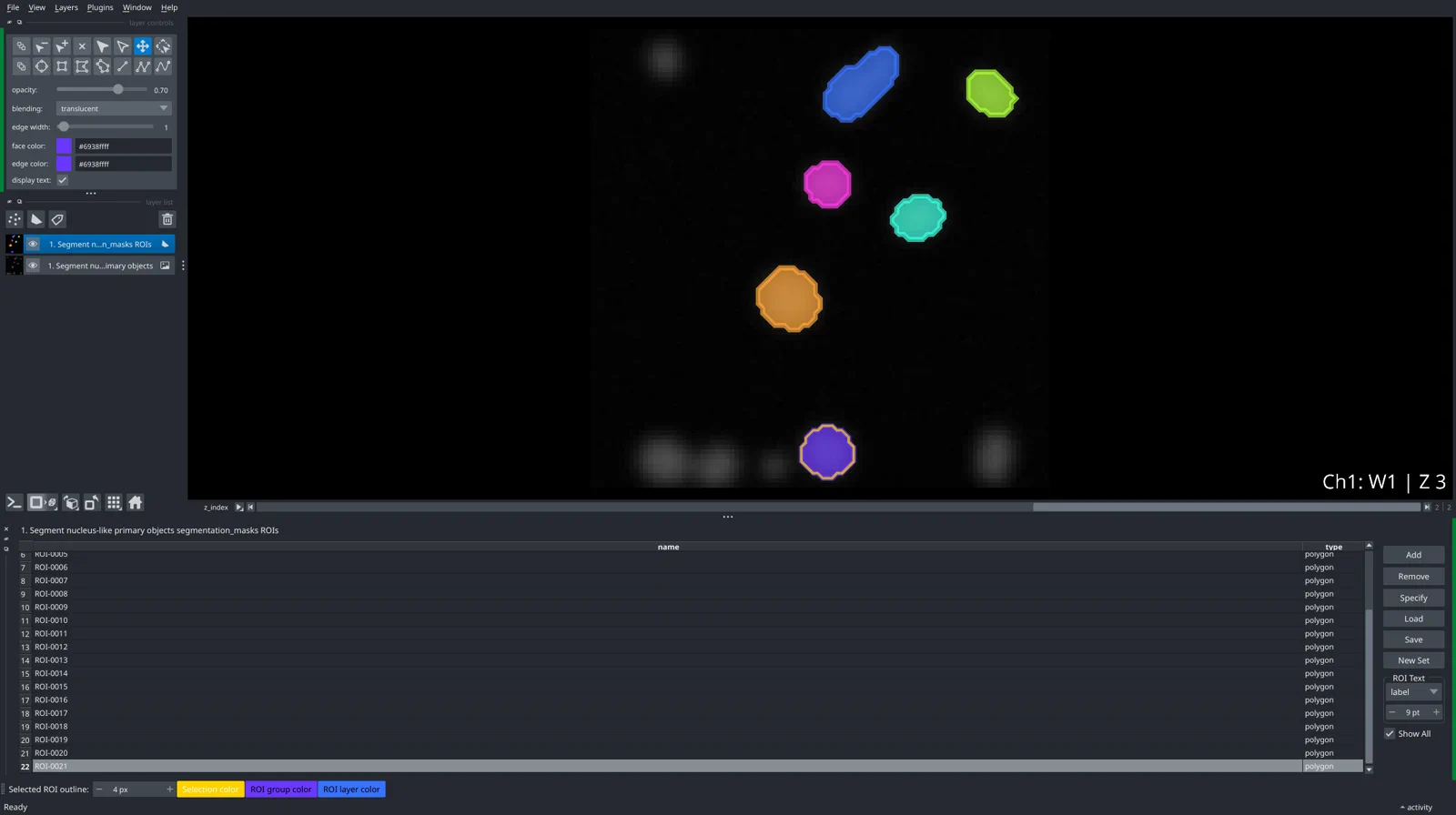
OpenHCS streams one bound Field 1 nuclear plane and its nine segmentation ROIs together. The native outlines follow the displayed nuclei.
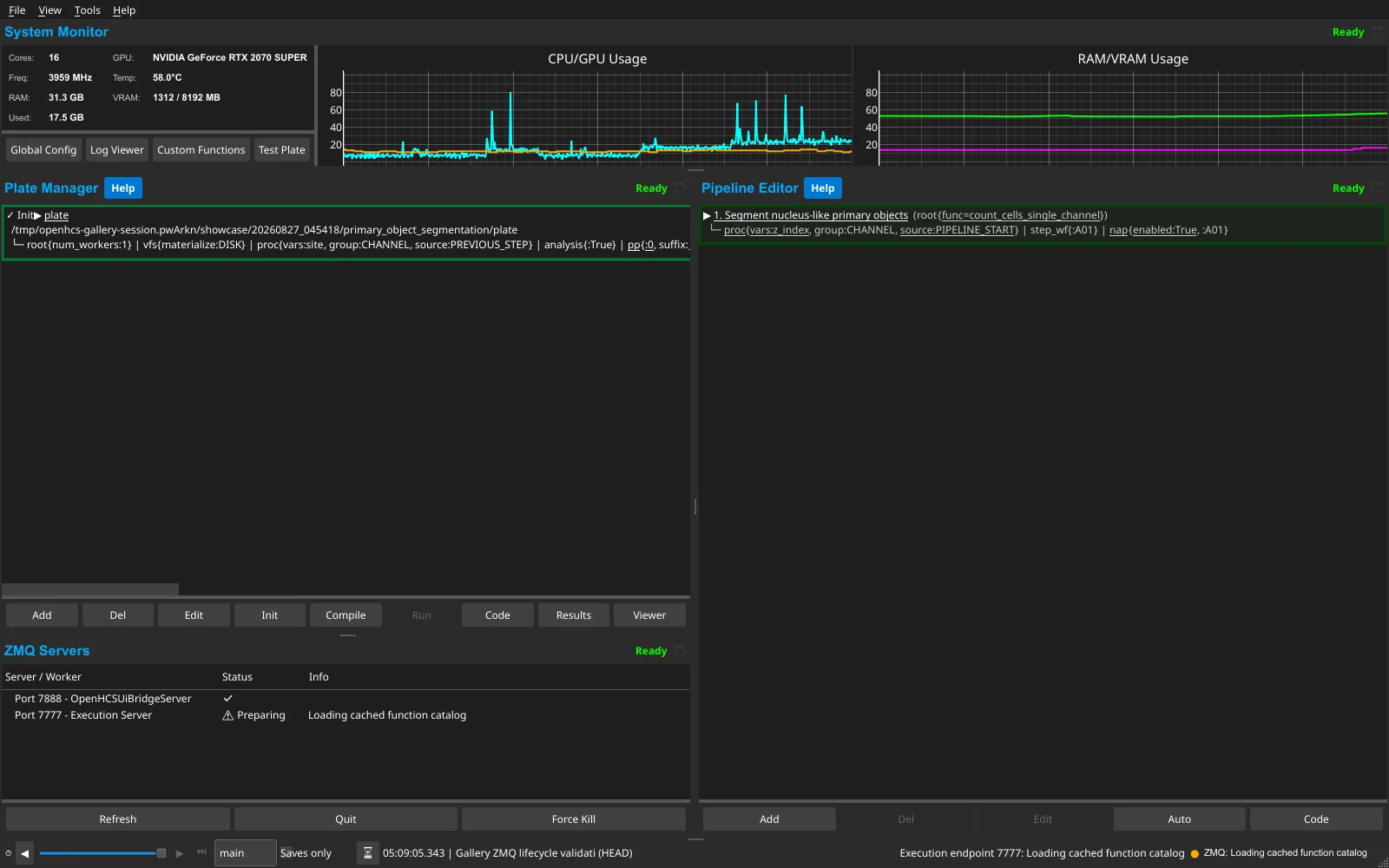
A pointer-free MCP compile request immediately adds the execution endpoint, streams catalog-preparation phases into the browser and status bar, and settles connected.
A pointer-free MCP sequence selects measurement rows across a three-plane result. Napari scrolls the table, highlights the native ROI, and moves from Z 3/3 to Z 1/3 and back.
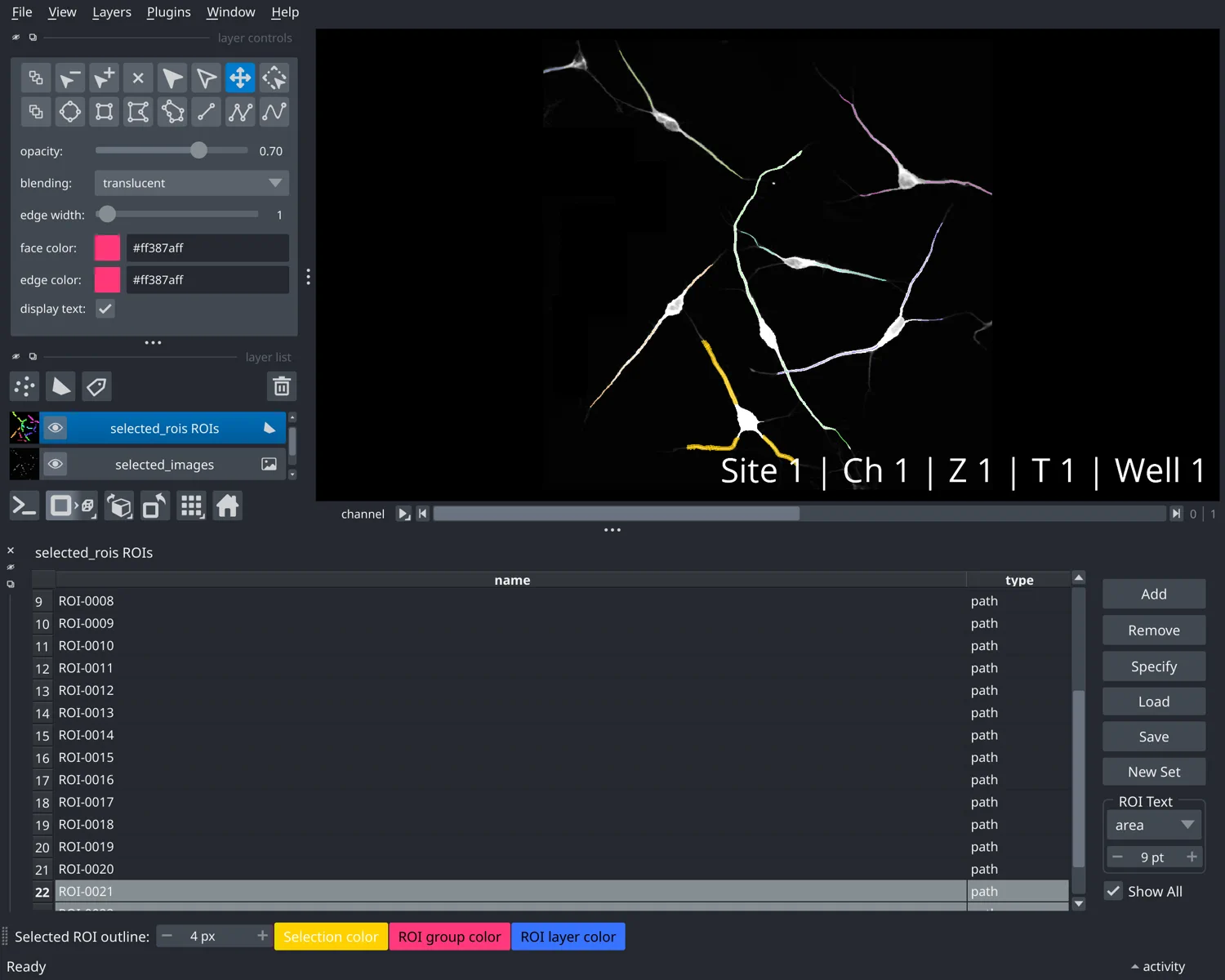
A native Napari window shows enhanced neuronal signal with unified labels and the retained path ROI list. Selecting a row highlights its path in the image.
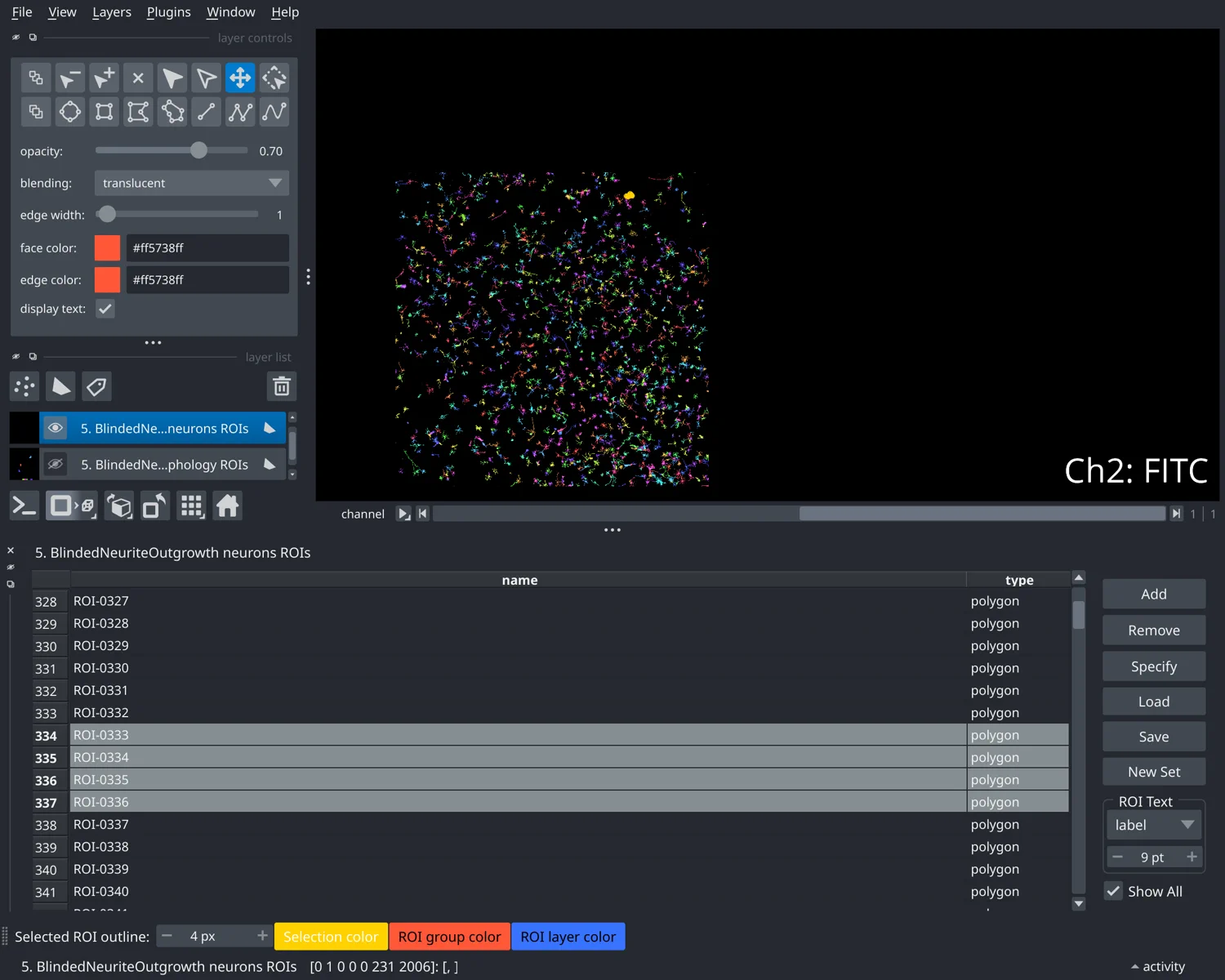
OpenHCS stitches the source fields before analysis and returns one inspectable neuron-ROI layer spanning the mosaic, so residual faint-process misses remain visible in the same viewer.
UI edits and generated Python use the same typed pipeline, function, and artifact model.
Build visually, edit generated Python, and inspect typed artifacts without translating between pipeline formats.
.cppipe importImport supported CellProfiler modules as regular OpenHCS steps; unsupported modules fail clearly.
Dimensionality is function-defined, not a global 2D/3D switch. Current volumetric routes include Watershed segmentation, 3D intensity, size and shape, and occupied-volume measurements; plane-local labels are not silently stitched across Z.
Capability referenceSend compiled pipeline results to Napari or Fiji.
Decorate ordinary Python functions for CuPy, PyTorch, JAX, TensorFlow, or pyclesperanto. They gain contract validation, UI integration, and automatic memory conversion.
openhcs[gpu]
Read microscopy images and dimensional metadata through the Bio-Formats backend.
 Bio-Formats
openhcs[bioformats]
Give the agent a microscopy folder or plate and the analysis you want. Through MCP it can construct and validate the same typed pipeline used by the desktop application, run it locally, and inspect the results without manually constructing the pipeline. Every pipeline remains editable in the GUI and as generated Python.
Starting from one prompt and a public NeuronCyto II crossover field, Codex projected two loose TIFF planes into biological channels, built and compiled a pipeline in the live desktop, and ran a per-neuron morphology analysis. The unattended run produced persistent images, ROIs, SWC morphology, measurements, and a settled Napari result table. Later human visual QA exposed a clustered crossover-tracing defect; after the generic tracing fix, a separate recapture showed 9 neurons and 24 spatial-graph paths. The generated Python remained editable in OpenHCS.
f1c1d9b67The complete 10:47 recording remains the visual authority for the unattended run. The first 2:20 above contains only excerpts from that recording; the clearly labelled final segment is a separate post-run MCP interaction replay, not evidence of actions taken by the unattended agent.
The client had no shell or repository access. Mutating operations were
pre-authorized inside the isolated recording session; this is not a
claim about every registered client or model. The run exposed an SWC
inventory omission, corrected at the generic format owner in
973c51fd0. Subsequent visual QA exposed the crossover defect,
corrected at the registered tracing strategy in 0eb5f77c0.
Desktop installers include the GUI and local MCP setup. Use PyPI for headless systems, GPU libraries, or an existing Python environment.
 Download for WindowsDownload and run — no ZIP to extract
 Download for macOSOpen the DMG, then open OpenHCS Installer
User-scoped, CPU-only installers include CellProfiler compatibility, local MCP, Napari, Fiji, and Bio-Formats. GPU libraries are optional and not included; Fiji downloads Java on first use. The latest complete GitHub release may trail PyPI. The Windows installer is unsigned, and the macOS installer is not notarized, so the OS may ask you to confirm trust.
 PyPI
PyPI
$ python -m pip install "openhcs[gui,viz,bioformats,mcp,cellprofiler-compat]"
$ openhcs